

From ChatGPT Idea to Published Post: The Complete Your Social Hub Workflow
Social media teams lose hours copying captions between tools, updating status columns, and checking which post still needs a date. That time is better spent understanding the audience, finding the right angle, and deciding what is worth saying.
The Your Social Hub plugin for ChatGPT follows a simple rule: creative decisions stay human, while AI handles repetitive work.
You bring the creativity. AI handles the busywork. Clients approve. Your Social Hub publishes.
This guide takes one idea from a sentence in ChatGPT and turns it into an approved post that Your Social Hub can publish automatically.
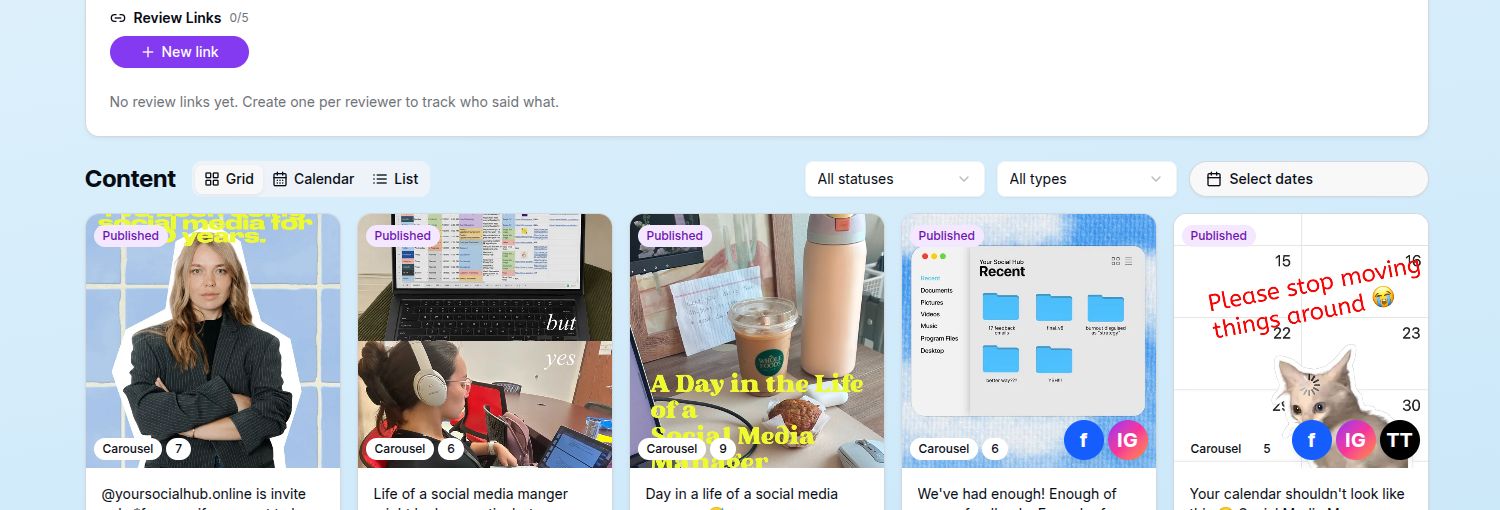
The workflow keeps the creative, status, and publishing record together.
Start with your idea, not an empty content form
Say you want to create a post about why client approvals should not happen across email, spreadsheets, and messenger threads.
Instead of opening several tools, start with a simple request in ChatGPT:
Save an idea in our August content calendar: “Why social media approvals break down in messenger threads.”
The plugin can add that thought directly to the calendar’s Ideas Hub. It becomes part of the team’s real content pipeline rather than another useful idea left behind in a chat.
An Idea is separate from publishable Content. It gives the team a place to develop the thought before treating it as a finished post.
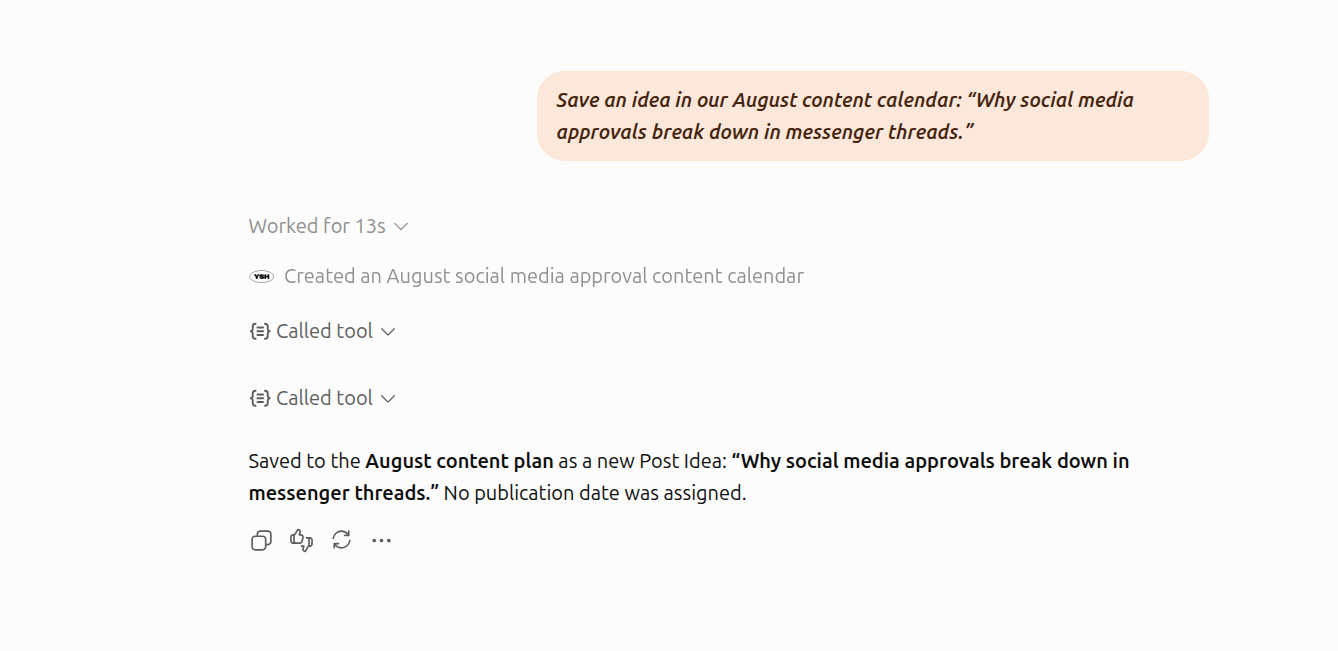
A one-sentence thought becomes a structured Ideas Hub entry without leaving ChatGPT.
Let AI help with the first draft
The original angle still comes from you. ChatGPT can help turn it into something the team can react to:
Develop this idea into a LinkedIn post. Open with a specific problem, explain the cost of scattered feedback, and finish with a practical call to action. Keep the tone direct and useful.
You can ask for alternative hooks, a shorter caption, a carousel outline, or platform-specific variations. Once you choose the direction, the plugin can save the improved copy back to the existing Idea.
AI is useful here because it gets a rough thought into an editable form quickly. You still decide what your brand should say.
Preview before it enters review
The plugin can render a social preview for a selected Idea or Content item inside ChatGPT. That makes it easier to notice a weak opening, an overlong paragraph, or a CTA that disappears at the bottom.
The preview is visual only. It does not publish the post or bypass the normal workflow.
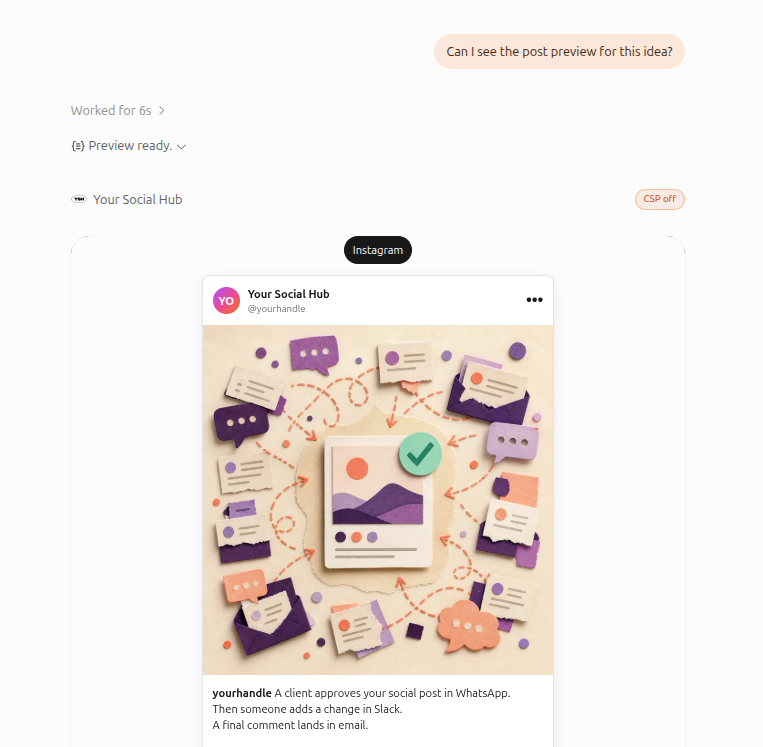
Review the copy and completed artwork in a platform-style frame.
Turn the finished Idea into Content
When the direction is ready, ask:
This idea is ready. Turn it into Content and send it for review.
Your Social Hub creates a Content item with the status In Review. The original Idea is marked as sent, keeping the planning board and production workflow connected.
Ideas are for planning. Content is the publishable unit that moves through review, approval, and publication.
ChatGPT cannot quietly publish what it creates. Every AI-assisted Content item enters the same controlled workflow as content created manually.
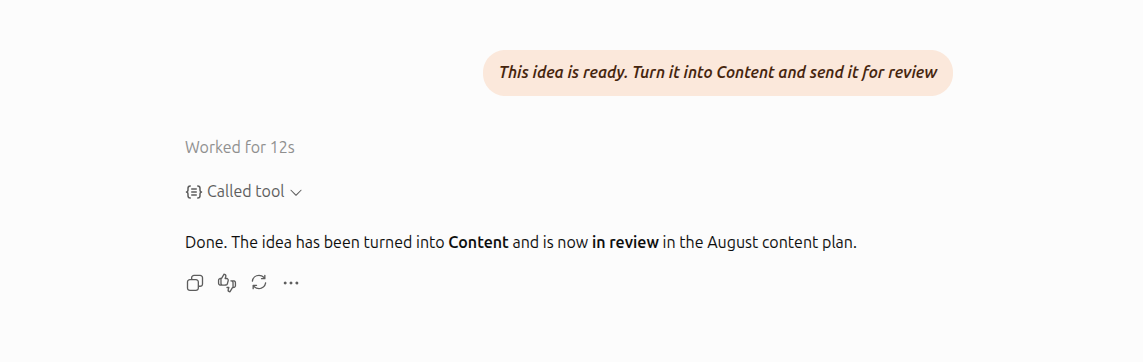
The finished Idea becomes a Content draft in review. Approval remains a human decision.
Give clients a better approval experience
The reviewer opens a secure Review Portal link and enters a PIN. They do not need to create a YSH account or learn the team’s internal workflow.
From the portal, they can:
- approve the content
- request revisions
- decline it
- place pinpoint comments directly on an image
- leave feedback on a specific video moment
- suggest changes to the caption
Instead of reconstructing feedback from screenshots and messages, the team sees it beside the content it refers to. YSH also turns feedback into clear follow-up work, so fewer requests disappear between conversations.
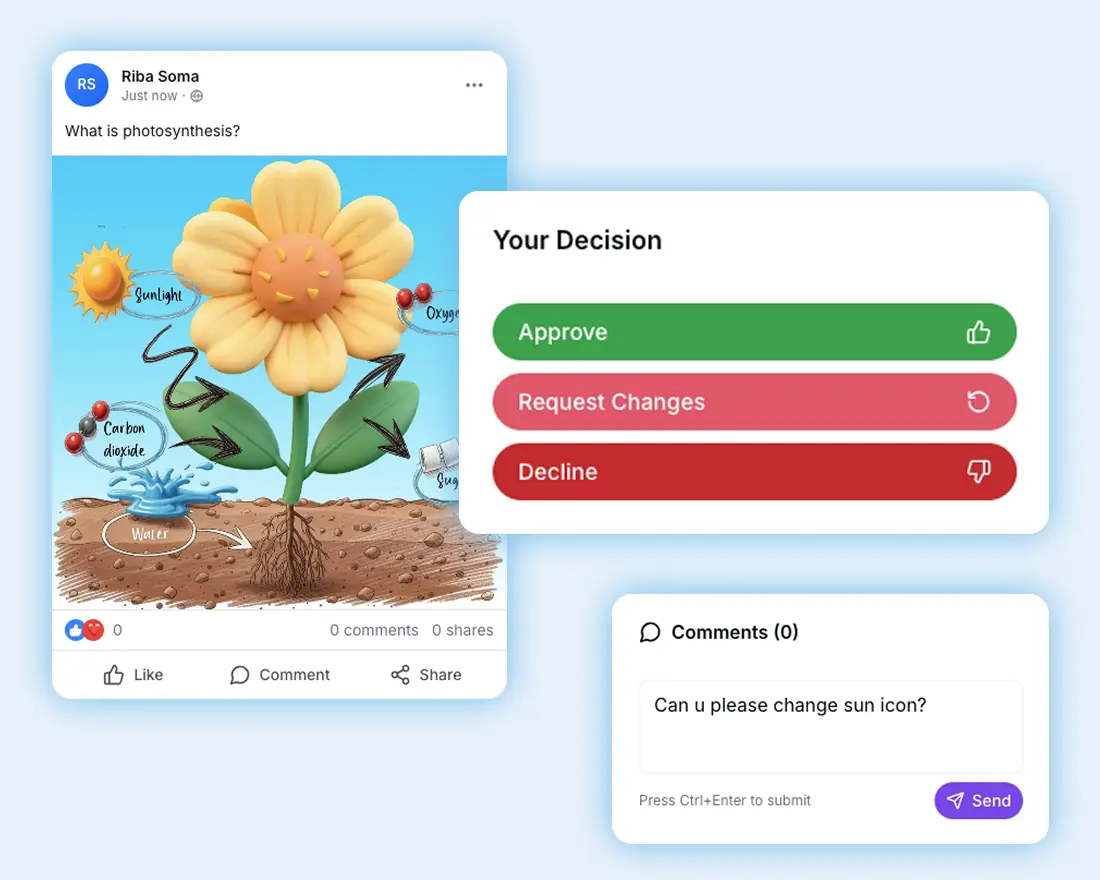
Clients review the actual content and leave feedback in context. No YSH account is required.
Approval remains a human decision
The plugin can prepare drafts, update eligible Content, and point out what needs attention. It cannot approve, reject, delete, schedule, or publish on someone’s behalf.
Creative judgment and approval remain with people who understand the brand, client, and context.
Once the reviewer approves the Content, YSH protects the approved version from accidental editing. What gets published is what the client approved.
Let Your Social Hub publish the approved post
Approved Content with a publication date is ready for automatic publishing. When the scheduled time arrives, YSH publishes it to the selected social accounts and tracks the result for each one.
The team can see whether the post is publishing, published, or failed on a particular platform. When the platform provides a live link, YSH keeps that link with the publication record.
If a platform rejects the post because of an expired connection, unsupported file, or temporary outage, the failure stays visible instead of getting lost. Fix the cause and retry the publication from YSH.
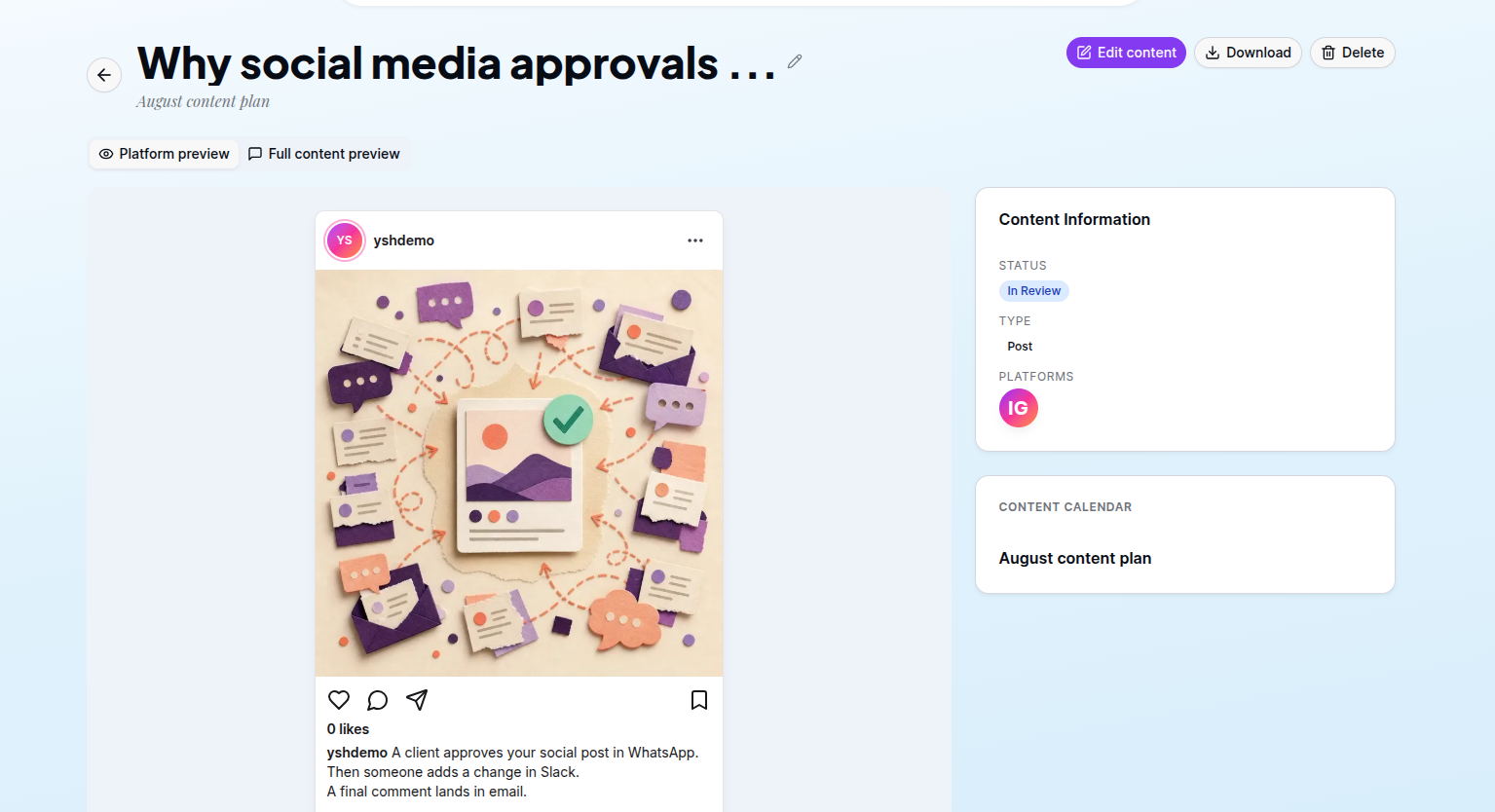
YSH keeps the published creative, selected platforms, and publication record together.
Who does what
Each part of the workflow has an owner:
- You create the idea and choose the direction
- ChatGPT helps with repetitive drafting and organisation
- Your client reviews and approves the final content
- Your Social Hub publishes it and tracks the outcome
Creativity does not need autopilot. Teams need fewer copy-and-paste tasks and more time to make better content.
Get StartedKeep the creativity human. Let AI help with the busywork, and let Your Social Hub keep approval and publishing on track.