


A client writes “approved” in an email. Later, they suggest a new caption in WhatsApp. Someone comments on an old image in Slack, and the final publication date still lives in a spreadsheet.
Nothing in that workflow is individually difficult. The problem is that nobody can see the full decision in one place.
Your Social Hub gives social media teams and their clients one place for approval. The client does not need to join the team’s internal Hub.
You create. AI assists. Clients approve. YSH publishes.
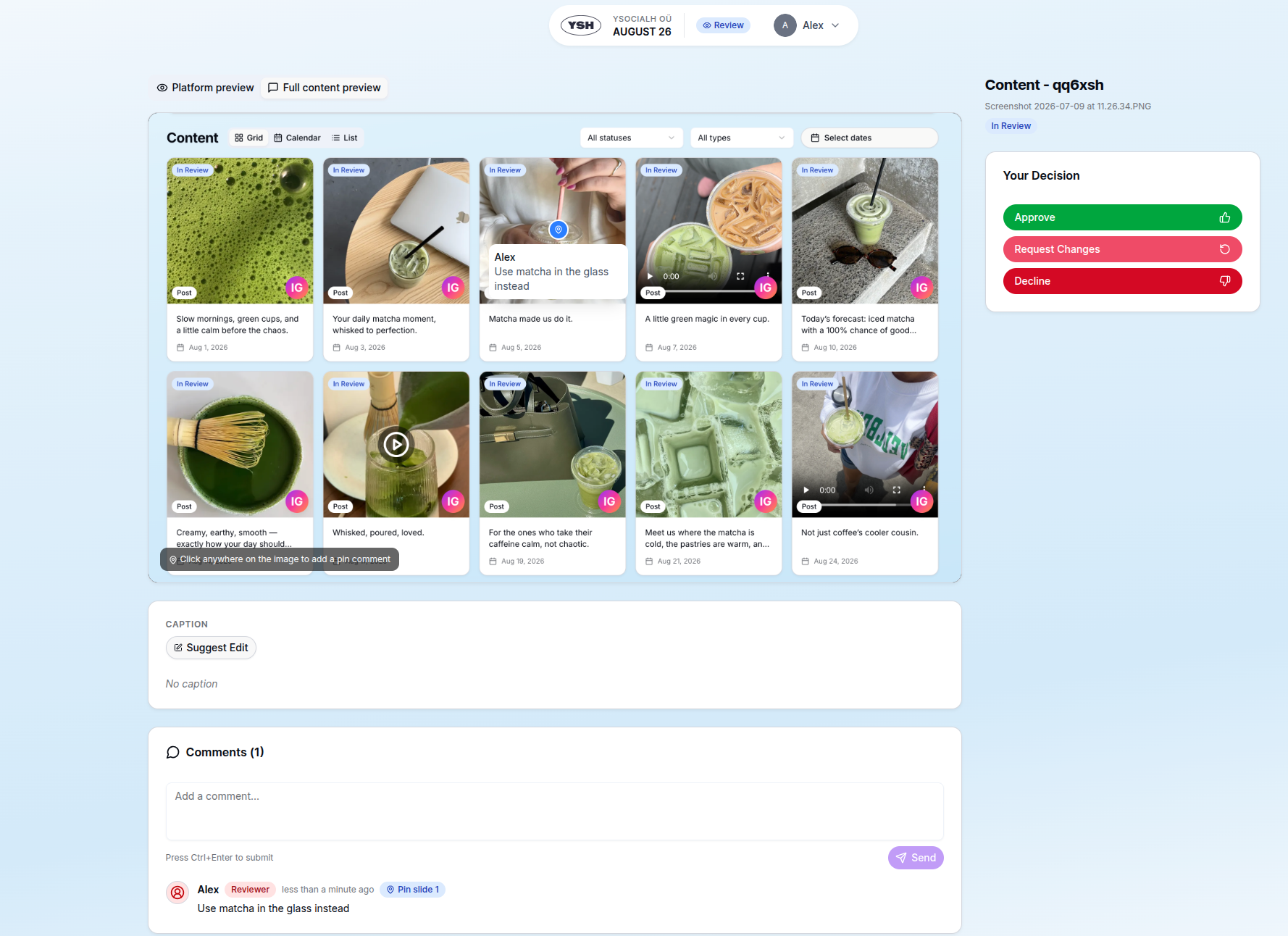
Feedback stays attached to the content instead of being scattered across messages.
Why message-based approval breaks down
Approval through email or messenger creates several versions of the truth:
- the latest media file is difficult to identify
- caption edits arrive separately from visual feedback
- “looks good” may not mean formal approval
- revision requests are hard to assign and track
- the team still has to update a calendar manually
- an approved post may remain unpublished because nobody set a date
Scattered feedback wastes administrative time and makes it easier to publish the wrong version or miss an important client request.
Prepare the draft without giving up creative control
The Your Social Hub plugin for ChatGPT can help turn a selected Idea into a first draft, produce caption variations, or summarise what still needs work.
For example:
Give me three stronger hooks for this post. Keep the original argument and do not update the Idea until I choose one.
The creative direction remains yours. AI reduces the time spent producing alternatives and moving the selected copy into the workflow.
When the draft is ready, it becomes Content with the status In Review. That status has a precise meaning: the material is waiting for a human decision.
Share one secure review link
YSH lets the team create a separate Review Portal link for each reviewer. The reviewer opens the link, enters a six-character PIN, and sees the calendar’s content.
No YSH account is required. The client does not need access to team settings, social account connections, internal notes, or content from another calendar.
Separate reviewer links also make it easier to attribute feedback. The team can see who approved the content and who requested a change.
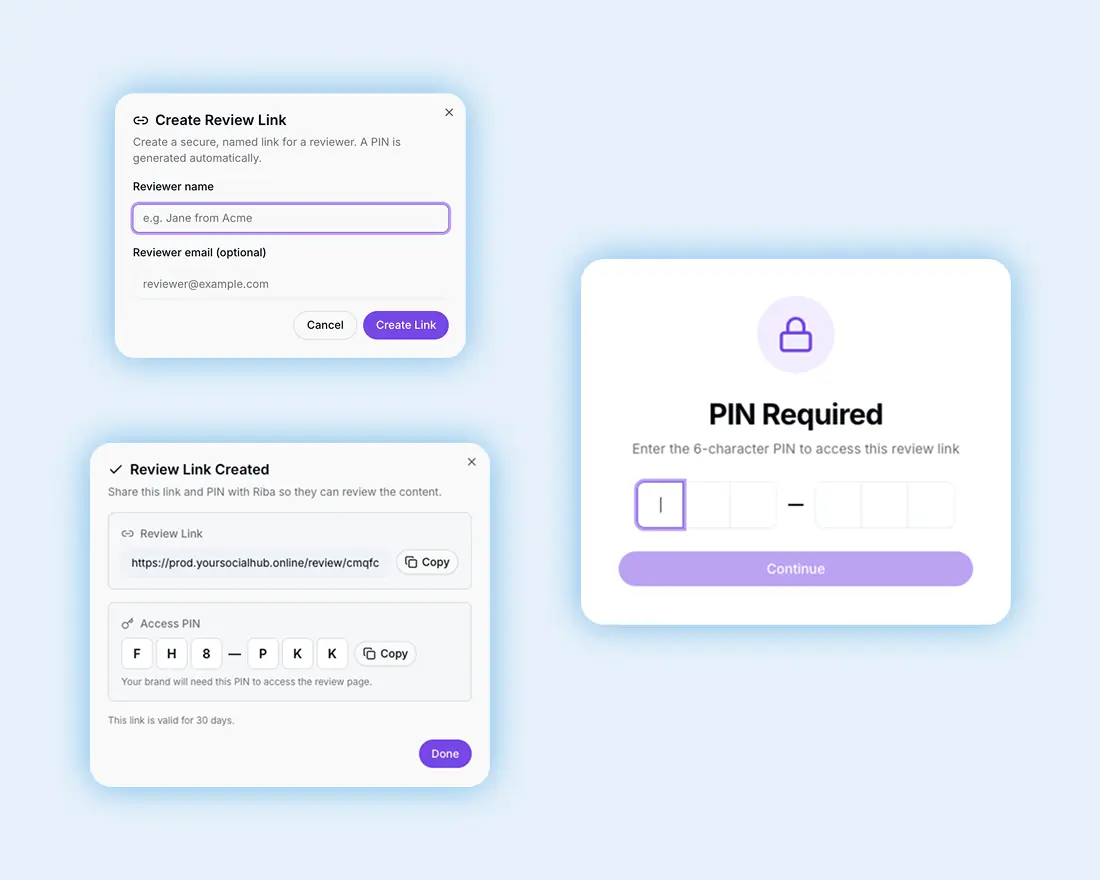
A personal review link gives the client access to the right calendar. No account is required.
Let the client review content in context
The Review Portal offers views for different types of decisions.
The board groups Content by review status, making it easy to see what is waiting, approved, rejected, or back with the team. The calendar and feed view show how posts fit together over time.
Opening one Content item reveals the actual caption, media, planned date, and review actions. The client is not approving a filename or an isolated spreadsheet cell. They are reviewing the post as a complete piece of content.
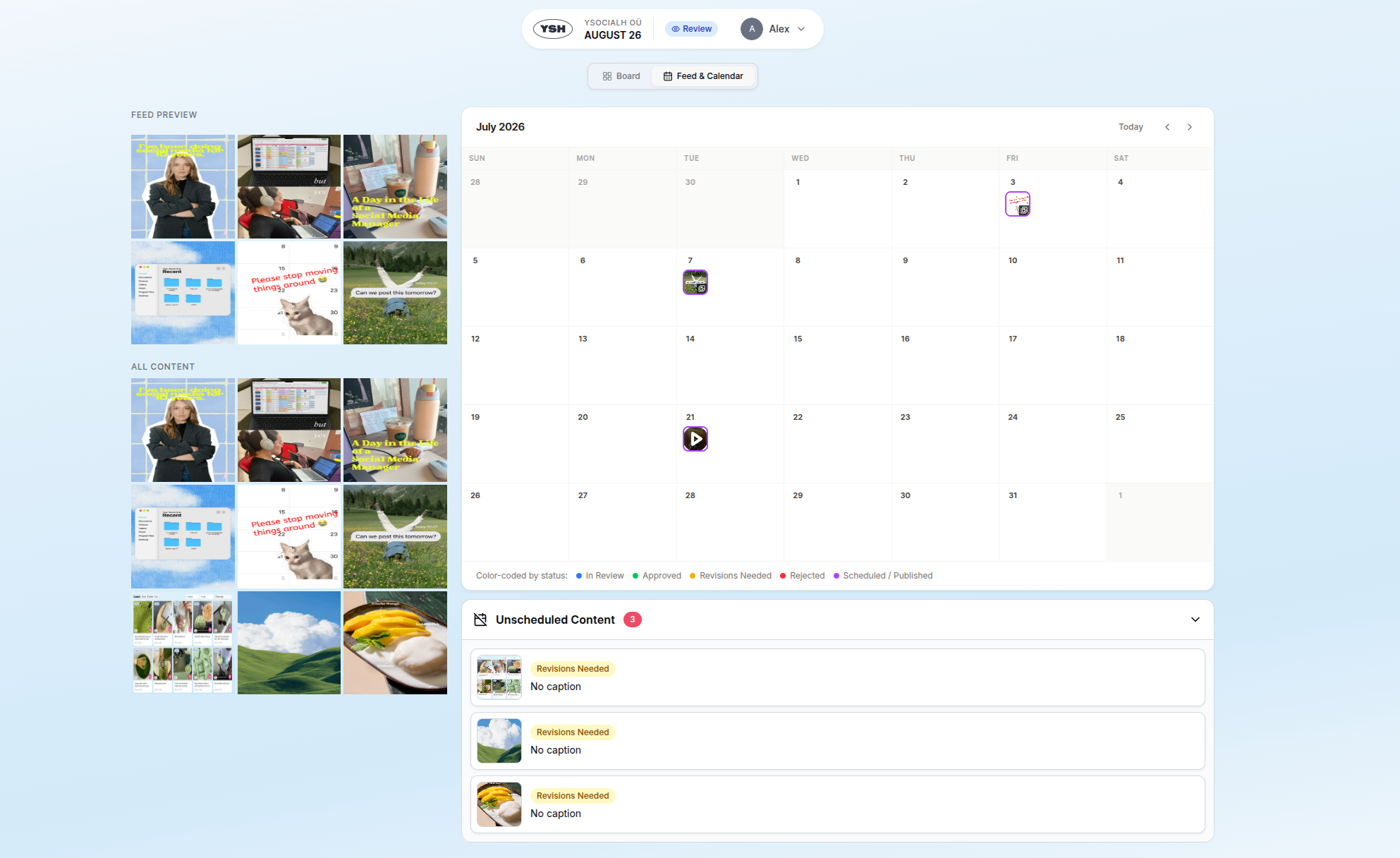
Reviewers can see the feed as a whole while revision requests remain visible in the calendar workflow.
Replace vague feedback with precise comments
“Move the text a little” is not actionable when a carousel contains eight slides.
With pinpoint feedback, the reviewer clicks directly on the relevant part of an image and leaves the comment there. For video, feedback can refer to the exact moment being discussed. Caption suggestions stay beside the caption instead of arriving as a separate document.
The content team can accept or reject a caption suggestion and respond to the requested changes with the full context visible.
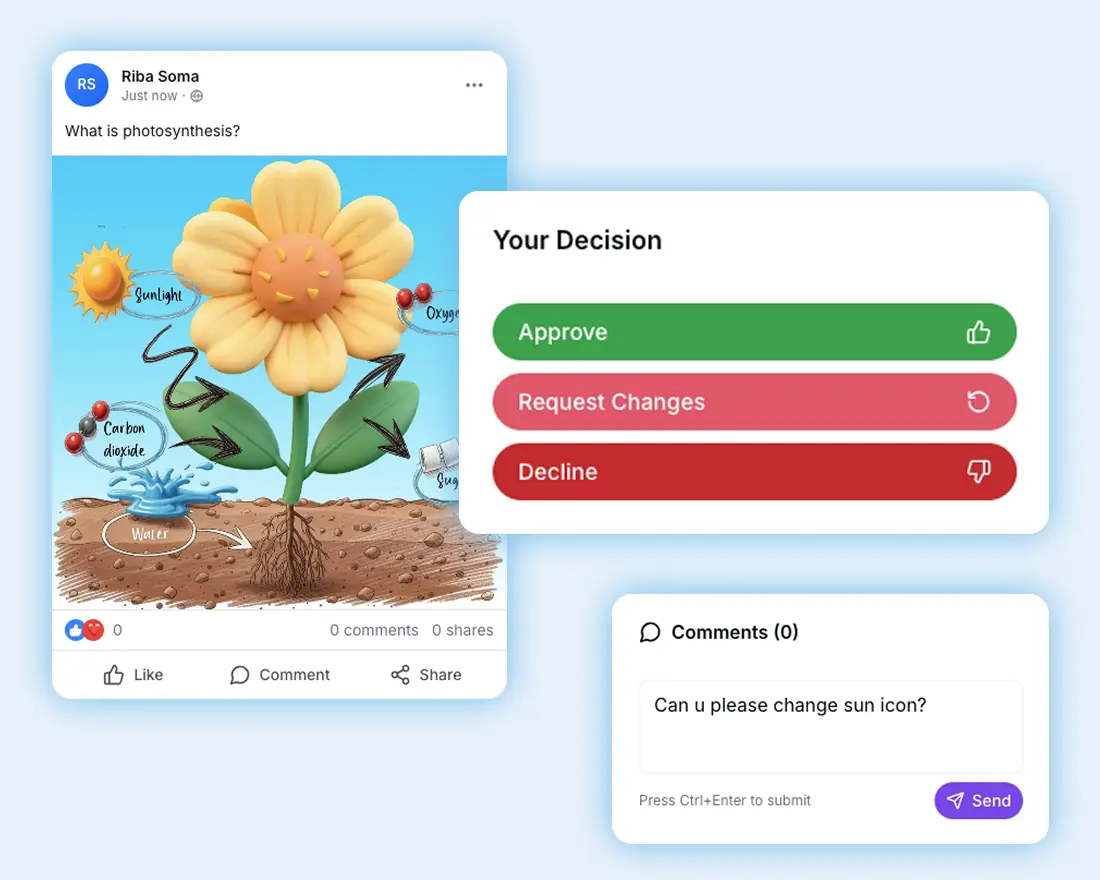
Comments stay beside the creative and the decision controls.
Turn feedback into clear next steps
YSH creates follow-up tasks for comments, revision requests, and caption suggestions. The calendar overview can also summarise reviewer feedback, helping the team understand the overall tone when several people have commented.
The team still reads the client’s feedback. The summary makes a busy review round easier to navigate and reduces the chance that a request is overlooked.
The status also stays explicit:
- In Review means a decision is still needed.
- Revisions Needed means the team needs to make changes.
- Approved means the reviewed version has passed the human gate.
- Rejected means it should not continue toward publication.
A revision request stays attached to the exact content and visual that needs attention.
Protect the approved version
Approval should mean more than moving a card into a green column.
Once Content is approved, YSH locks the creative fields against normal editing. The publication date can still be managed, but the approved caption and media do not silently change before publication.
The client knows what they approved, and the team can confirm that the published creative matches it.
Approval is the bridge to automatic publishing
Content is not ready to go live merely because it has a date. YSH requires both conditions:
- a human has approved the Content
- the Content has a publication date and time.
When both are present, YSH can publish the post automatically at the scheduled time. An approved item without a date remains visible as unscheduled and will not publish accidentally.
A clear decision removes the need for another manual handoff to a separate publishing tool.
Give clients simplicity and teams control
Clients can review without another project-management account, and teams can stop reconstructing decisions from several channels. AI can prepare drafts and summarise busy workflows. The approval decision stays with the client.
Get StartedYou bring the creative direction. AI helps with repetitive work. Clients approve the final content. Your Social Hub keeps the decision connected to publication.